v2.7 (latest)
Change your password
This guide explains how to change your Rulecube password. It's good practice to regularly change your password to keep up your security.
- Log in to Rulecube.
- Click on your display name in the upper right corner or on the little downward arrow behind your name:

↳ The Account menu opens. - Select Settings.
↳ The User settings page opens. - Click Change password.
↳ The Change password pop-up opens: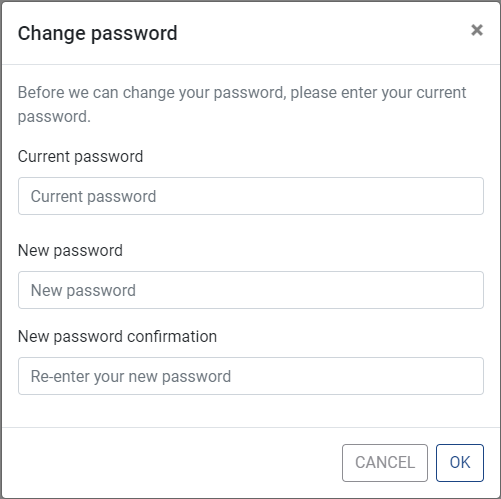
- Enter your current password and your new password. And confirm your new password in the New password confirmation field.
Use the Suggest password functionality of your browser to generate a strong password and let your browser store the password in the Password manager.
- Click OK.
↳ You've changed your password now.