v2.7 (latest)
Create a Template
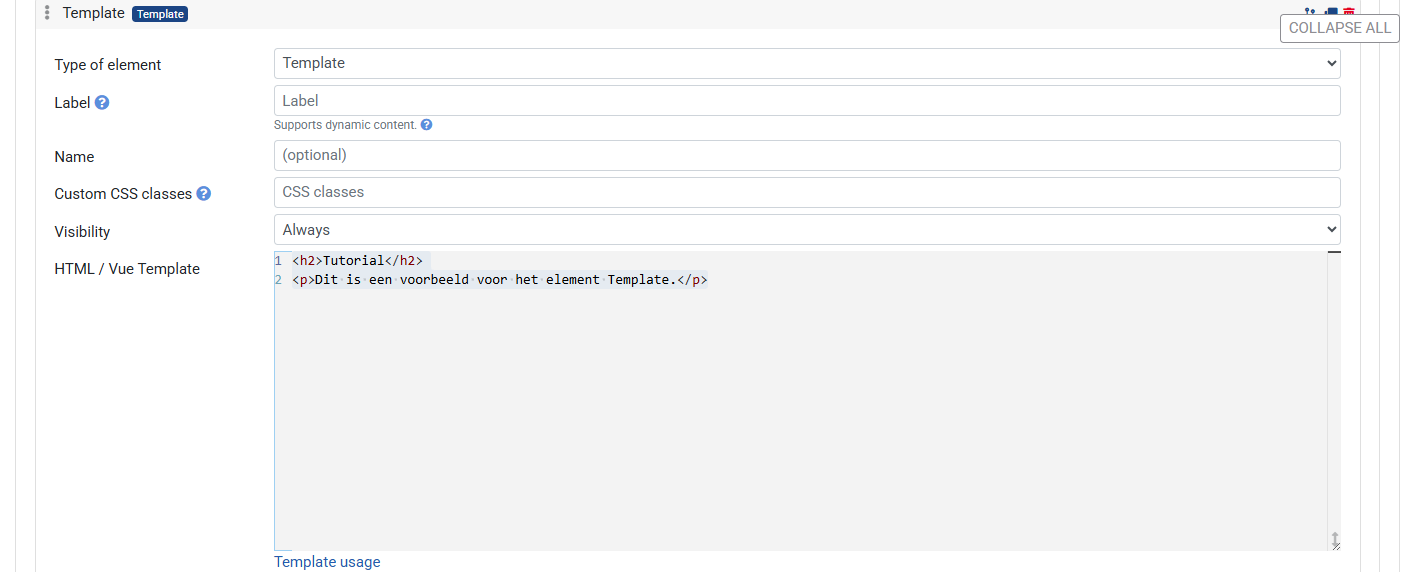
This guide explains how to add a template element to a Rulecube Form.
A template is an advanced element that supports raw HTML and Vue template syntax (v-if, v-for, @click, etc.).
The Template element requires knowledge of HTML and Vue.js. Use it only when the built-in element types don't cover your use case.
Steps:
- Click + Element and choose Template
- Expand the element
- Write your HTML/Vue template in the Template editor
- Save the Ruleset