v2.7 (latest)
Show a toast message on form load
This guide explains how to use On form loaded actions to show a toast message when the form opens.
Use On form loaded actions to trigger an action automatically when the form is opened.
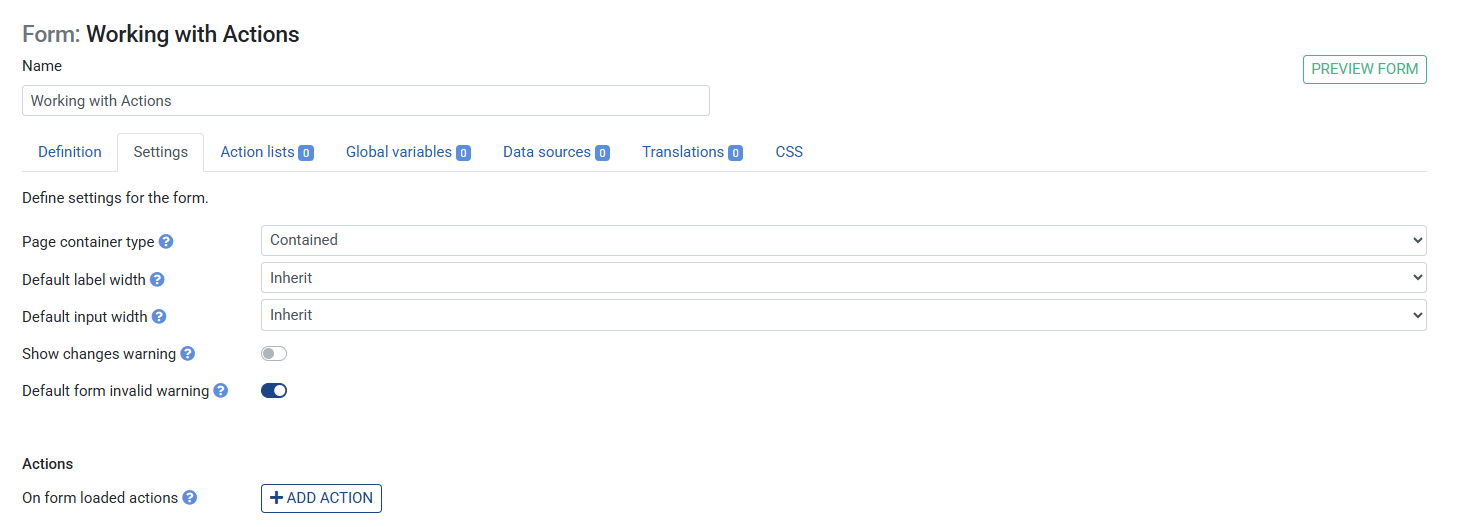
- Click the Form settings (top level)
- Under On form loaded actions, click +
- Select Show toast message
- Set Message to
Welcome - Save the Ruleset
- Click the Preview button in the top right corner to see the message