v2.6
Create a Ruleset
If you just want to create a Ruleset as fast as possible, please read the chapter "Quick Start".
Procedure
There are two ways to create a ruleset:
- From scratch.
- By copying an existing ruleset.
Next, you'll find procedures for both ways.
Create a ruleset from scratch
Navigate to the Service page.
Click +Ruleset and select Blank ruleset to create a ruleset.
↳ The Add new ruleset pop-up opens.In the Ruleset name field, enter the name you want to give the ruleset.
Click OK.
↳ Rulecube creates the ruleset and shows the General settings page for the ruleset: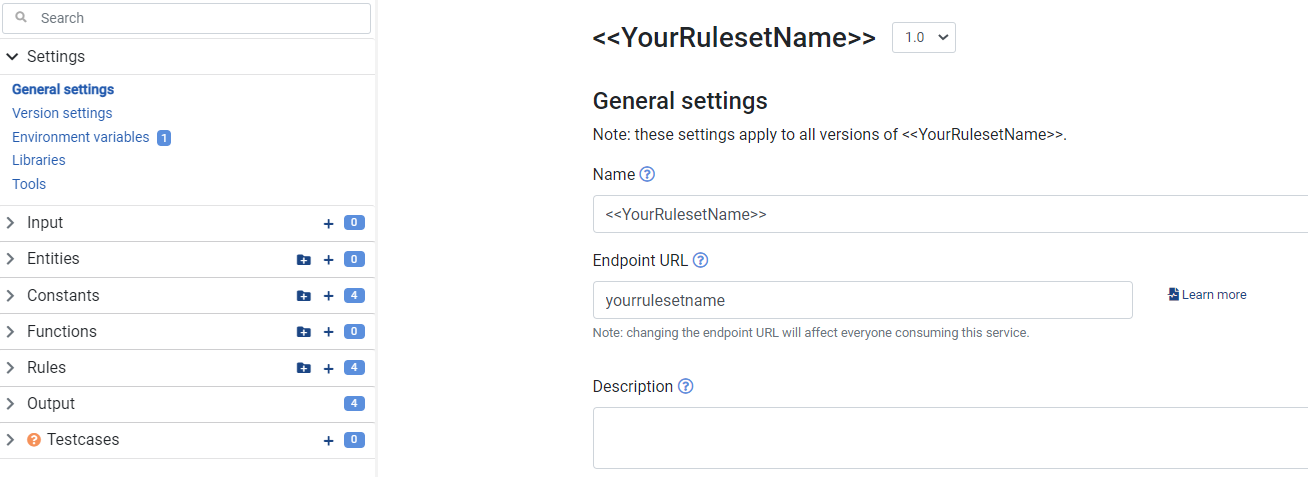
If you want to change the automatically generated endpoint URL, in the Endpoint URL field, enter your endpoint.
If you want to store a description of your ruleset for later reference or colleagues, in the Description field, enter your description.
If you changed the endpoint, description, or both, click Save.
Create a ruleset by copying an existing ruleset
Navigate to the Service page.
Click +Ruleset and select From existing... to create a copy of an existing ruleset.
↳ The Copy ruleset pop-up opens.In the Existing ruleset list, select the ruleset you want to copy.
In the Ruleset name field, enter the name you want to give the ruleset.
Click OK.
↳ Rulecube creates the ruleset and shows the General settings page for the ruleset:\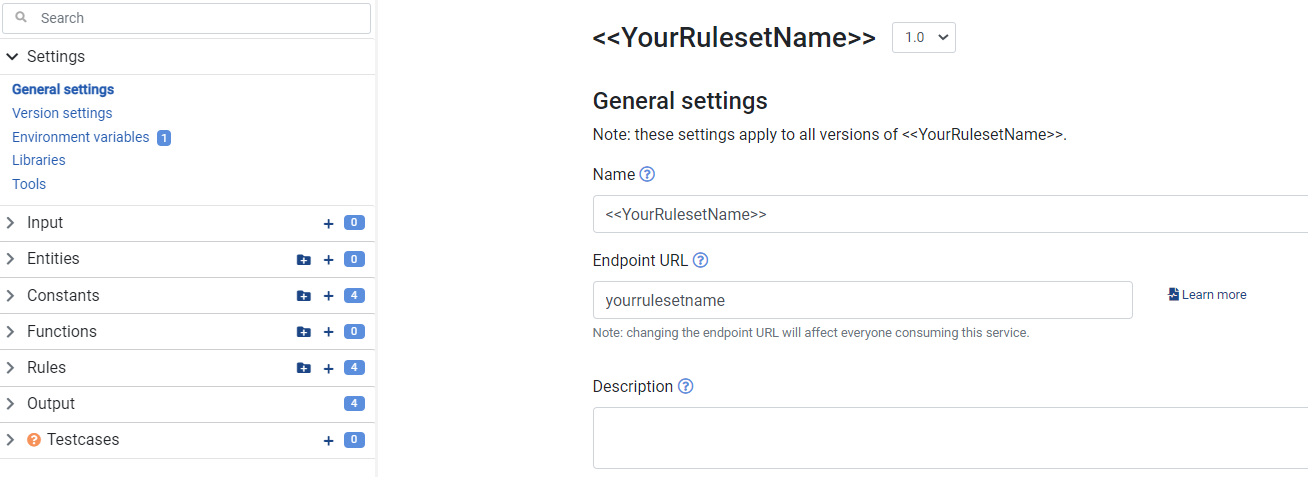
If you want to change the automatically generated endpoint URL, in the Endpoint URL field, enter your endpoint.
If you want to store a description of your ruleset for later reference or colleagues, in the Description field, enter your description.
If you changed the endpoint, description, or both, click Save.
Additional resources
- How-to Guide: Set the Input for a Ruleset.
- How-to Guide: Create a Rule.