v2.6
Delete a User
Introduction
This guide provides the steps for deleting a user, which allows you to remove a user from Rulecube.
Before you begin
- You need to have the
TenantAdminrole to delete a user.
Procedure
Click your tenant name in the menu bar.
↳ The Profile page opens with the Users section:
Click
 in the row of the user you want to delete.
↳ The Delete user pop-up opens: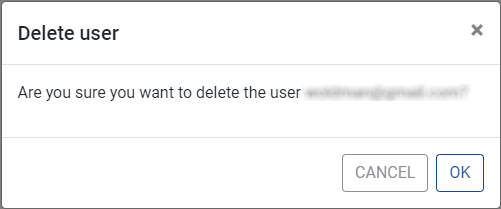
Click OK.
↳ The user is deleted, and the corresponding user row is removed from the Users section.