v2.6
Log in to Rulecube
Introduction
This guide provides the steps for logging in to your Rulecube tenant. After logging in, you can begin creating new rulesets or modifying existing rulesets.
Before you begin
- You must have activated your account.
Procedure
- Open your browser and navigate to the Rulecube link.
↳ The Login page opens: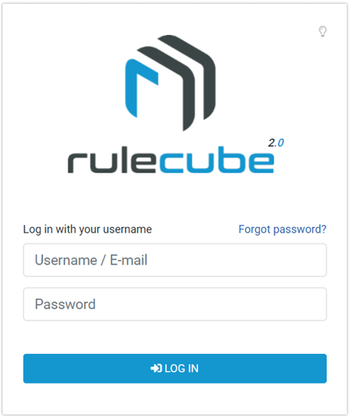
- Enter your username and password.
- Click Log in.
↳ You're logged in, and the Dashboard/Services page opens. Rulecube is now at your disposal and you can begin creating rulesets.